
Turn the family photos on your phone into a real photo book.Even if photo book websites have always felt too complicated.

Follow short, screen-by-screen videos that show you exactly where to click, what to choose, and what to ignore. You do not need design experience or any technical know-how.
You will make your book on your laptop, and I will walk beside you one small step at a time.
Make My First Photo Book — $27 You pay once, there is no subscription, and you have thirty days to change your mind.
Why this exists
I made this because of my grandma.

JuliannIowa
My grandma wanted to turn the family photos on her phone into a photo book. The problem was not that she did not care about the pictures, and it was not that she was not capable.
The problem was that the photo book website gave her far too many choices, and most tutorials assumed she already knew what they were talking about. Here is how she put it.
- “Mixbook, for a beginner, there’s way too many options.”
- “There’s a tour, and I’ve done the tour before, and it just whipped through one thing after another, just way too fast.”
- “Many of those people on YouTube assume a higher level of understanding of overall technology than your basic person of my generation.”
- “These challenges are like, oh man, I just can’t take that on. But if I get somebody to help me, maybe I’ll try.”
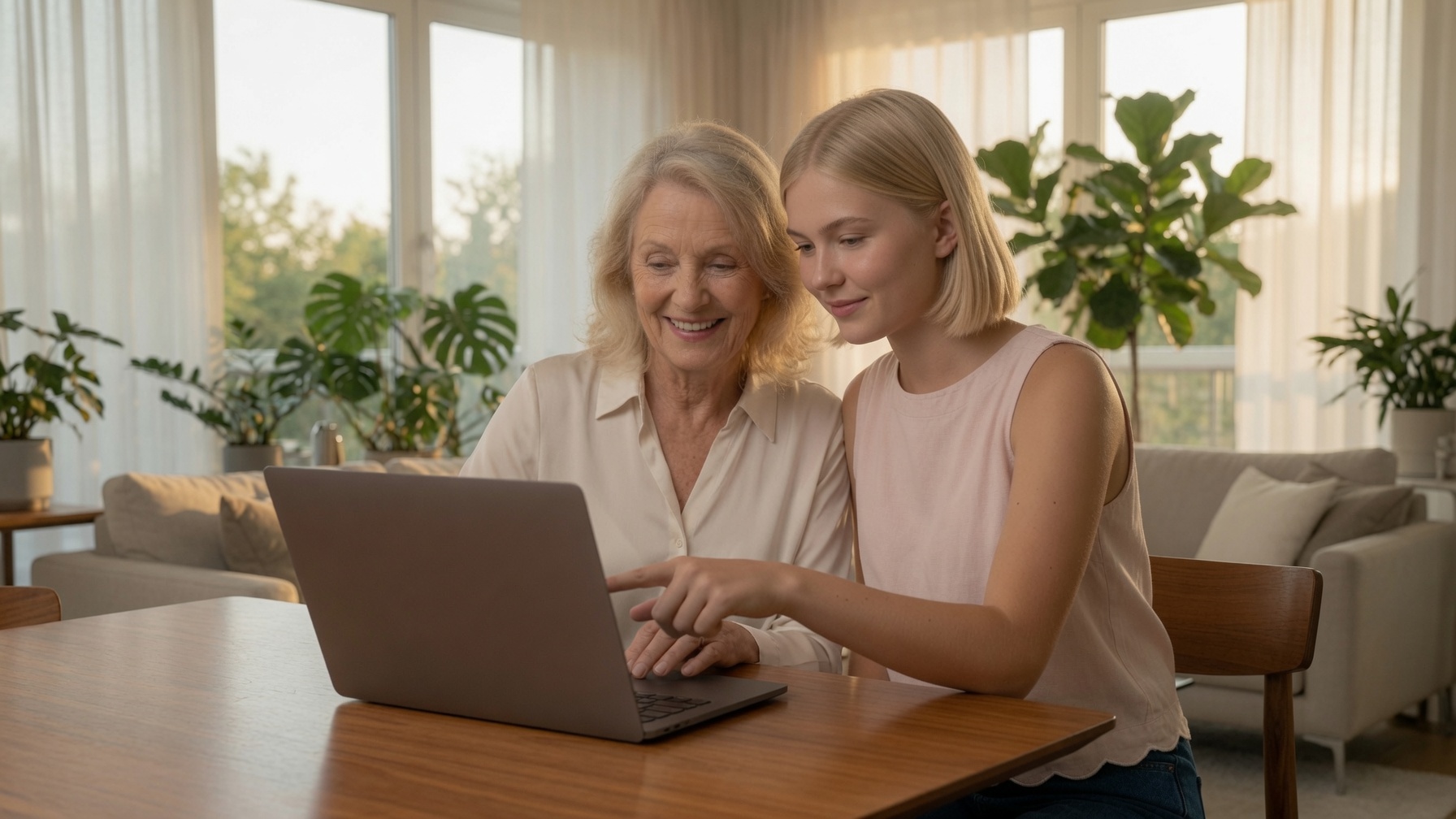
So I sat beside her and showed her exactly what to do, one screen at a time. Her book turned out lovely, and she made it herself, which is the part she likes best.
Then I realized something. There are a lot of grandmas who could make a beautiful family photo book, if somebody would simply slow down and show them every click. That is what this walkthrough does.
A look inside
See exactly what I mean by click-by-click.
I do not just tell you what Mixbook can do. I show you what to click.
Each lesson is short and covers one small job. You can pause me, replay me, finish one step, and come back later. And if something on your screen does not look like mine, you can ask me a question right underneath the lesson.
Seven sections, in the order you work through them:
- Get set up
- Plan your book
- Get your photos from your phone into Mixbook
- Make an album and choose which photos to keep
- Create a photo book project (sample video below)
- Design your pages
- Choose your book style and order at a discount
What you will be able to do
By the end, you will have made a real photo book.
You will know how to:
- choose the family photos you actually want in the book
- get those photos out of your phone and into Mixbook
- choose a simple book layout, without getting lost in hundreds of design options
- put your pictures in the right order, even the ones family sent you
- arrange your pictures and add captions in your own words
- preview your finished book before you order it
- send your completed book to print, and have it arrive at your door
You do not need to become good at photo book software. You only need to know the few steps required to make your book.
A fair question
Could I just learn this on YouTube?
You certainly could. There are hundreds of videos about Mixbook, and that was part of my grandma’s problem.
Most tutorials are made by people who already understand the website. They move quickly, they use unfamiliar words, they demonstrate features you do not need, and they assume you know things that nobody has actually shown you.
This walkthrough is different, because I made it by sitting next to somebody who needed every step explained. So my videos have only what you need, and nothing else. This makes the process much more simple and enjoyable for you.
You will not hunt for the right tutorial. You will not wonder which options matter. You will not try to remember what the instructor clicked three screens ago. There is one small step, and then the next one.
If you get stuck
You do not have to figure out the confusing parts alone.
There is one more thing I wanted my grandma to have, and that is a real person to ask when something goes wrong.
Underneath every lesson you will find a place to ask me a question. If your screen looks different from mine, or you cannot find a button, or you are simply not sure whether you did something correctly, then ask me.
You do not have to search the internet for an answer, and you do not have to wonder whether you have ruined your book. I will help you get moving again.
You can also write to help@clickheregrandma.com, or call the number at the top of this page.
Why it is worth doing
Because your photos deserve better than your camera roll.
Your phone may hold thousands of pictures, but stored is not quite the same thing as seen. You scroll past them, and the years go by, and you never sit down with them properly.
A photo book becomes something your grandchildren can pull off a shelf. It is something you can sit beside somebody and look through. It tells them who was there, where you were, why that day mattered, and the little family stories that only you know.
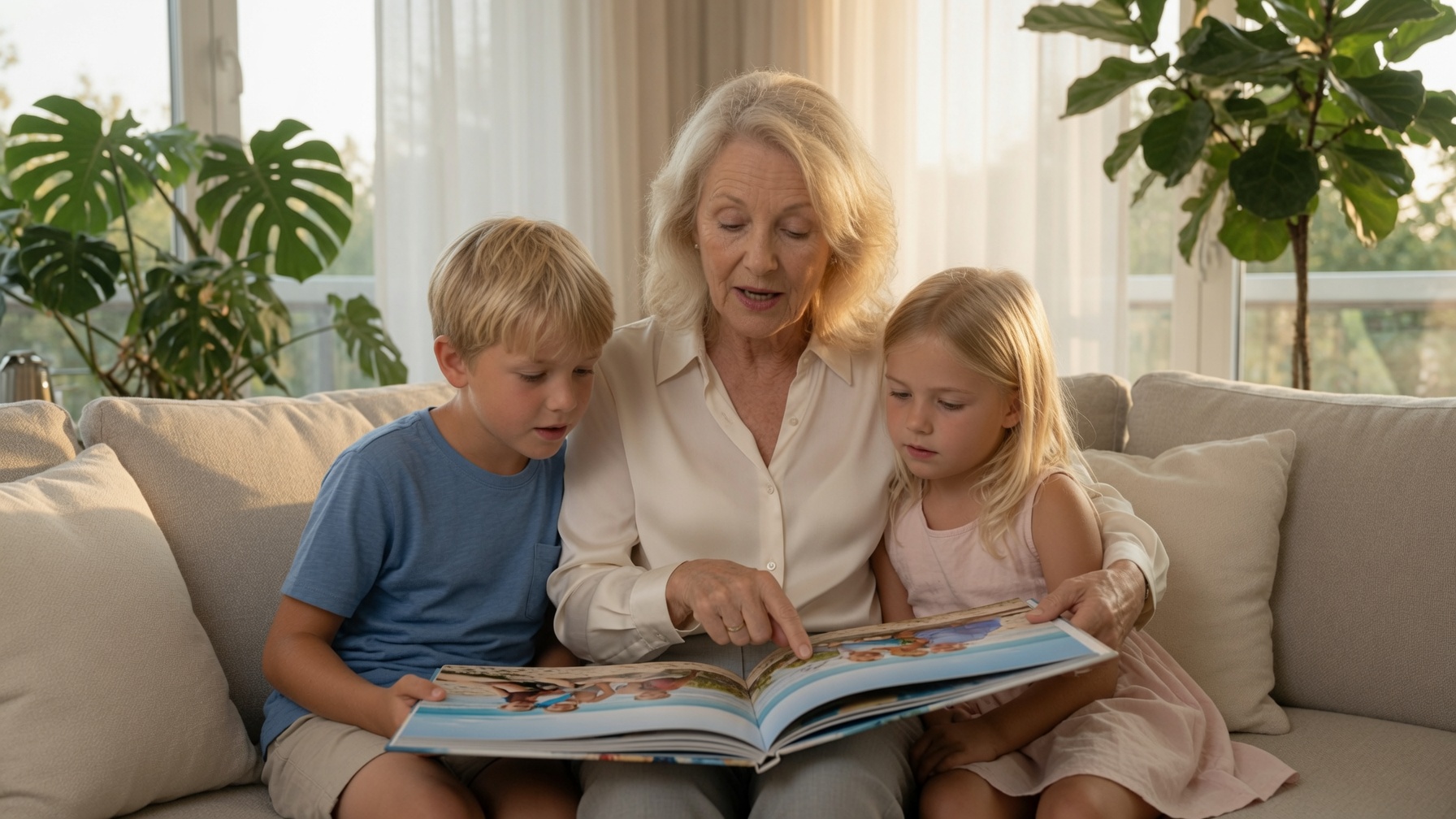
You get to decide which face deserves a whole page, which ordinary afternoon is worth remembering, and which names and stories should still make sense forty years from now.
The technology should not be the thing that keeps you from making it.
What you get
Your First Photo Book: A Screen-by-Screen Walkthrough
For $27, you get:
- Short screen-by-screen video lessons, about two minutes each
- Every important click shown on screen, at the speed it happens
- A simple path through Mixbook, without learning every feature
- Instructions for getting your photos out of your phone and into the book
- Help choosing layouts, arranging pictures, and adding captions
- A place to ask me a question if you get stuck
- Lifetime access to the walkthrough
- Thirty days to change your mind
$27 one payment
Make My First Photo Book — $27

There is no subscription and no recurring charge.
How it goes
This does not have to feel like a computer project.
It is a Saturday morning, with your coffee next to the laptop. You play the next video and get one more pair of pages done. You type the caption underneath, and you do not have to go looking anything up.

Take as long as you like to get all your pictures arranged. Then I will show you how to order your physical copy at the end, and you can await its arrival.
A week or two later the box arrives. You are pleased with the quality, and everything written in it is in your own words. The next time the grandchildren are over, one of them takes it off the shelf. You sit down beside them and tell them who everybody is, or relive the fun of it together.
There is no hurry about any of it. This is a project rather than an errand, and most people work at it over a few weekends. The walkthrough will be there whenever you pick it up again.
Before you decide
A few plain answers.
- What exactly am I buying?
- A set of short videos, about two minutes each, that show you how to make one photo book from start to finish. You watch them as often as you like, and stop and start wherever you want.
- What happens after I buy, and how do I actually start?
- You will get an email with a link to the lessons. You log in and see a list of short videos down the left hand side. Begin at video one and follow along. It keeps track of which video you are on, so you can stop whenever you like and pick up in the right place.
- What if my photos are on my phone?
- That is where most people’s photos are, and it is what the walkthrough expects. You will make the book on your laptop, where it is much easier to see everything, and I show you how to get the pictures from your phone to where you need them. You do not need to be comfortable moving photos around before you start.
- Do I need anything other than my laptop?
- No. A laptop on its own is all you need. The first video shows you how to keep the video in one tab and Mixbook in the other. You are never trying to squeeze two things onto one screen.
- What if I get stuck?
- There is a question box underneath every step, so you can ask right where you got stuck rather than starting an email from scratch. You can also write to help@clickheregrandma.com, or call the number at the top of this page.
- What does it cost, and is it a subscription?
- $27, paid once. It is not a subscription, and your card will not be charged again.
- Does the $27 include the printed photo book?
- No. That part is separate, and you pay Mixbook rather than me. A small softcover starts at about fifteen dollars, and a large hardcover runs fifty dollars or more, depending on the size and the number of pages. Mixbook runs sales often, so it may well come to less than that.
- Who takes the payment?
- Stripe. They handle the payments for Amazon and Instacart, among a great many other websites, so you have almost certainly used them before without knowing it. You type your card details on Stripe’s own page rather than mine, so I never see your card number and it is not stored anywhere I can reach. If you are ever unsure whether a payment went through, please do not pay a second time. Write to me, or call the number at the top of this page, and I will check it for you. On your bank statement the charge will read CLICK HERE GRANDMA, so you know what it is when you see it.
- Can I watch the lessons more than once, and how long do I keep them?
- As often as you like, for as long as you like. You pay once and it stays yours, which matters if you come back to make another book a year from now.
- Do you work for Mixbook?
- No. I am not connected to them in any way, and I do not get anything if you order a book.
- What if it turns out not to suit me?
- You have thirty days. Try it, and if you do not like it, write to me and I will refund the whole amount.
- What about the services that offer to design the book for me?
- A service does not know the right order for your pictures, and it does not know who anybody is. Doing that part yourself is also the satisfying bit, and most of the reason for making a book at all.
One last thing
Your pictures are ready to go
They are on your phone. The birthdays, the vacations, the grandchildren growing up, and the ordinary afternoons that did not seem important at the time.
You do not need to learn everything about photo book software. You just need somebody to show you how to turn those pictures into your first book.
I would love to show you how.
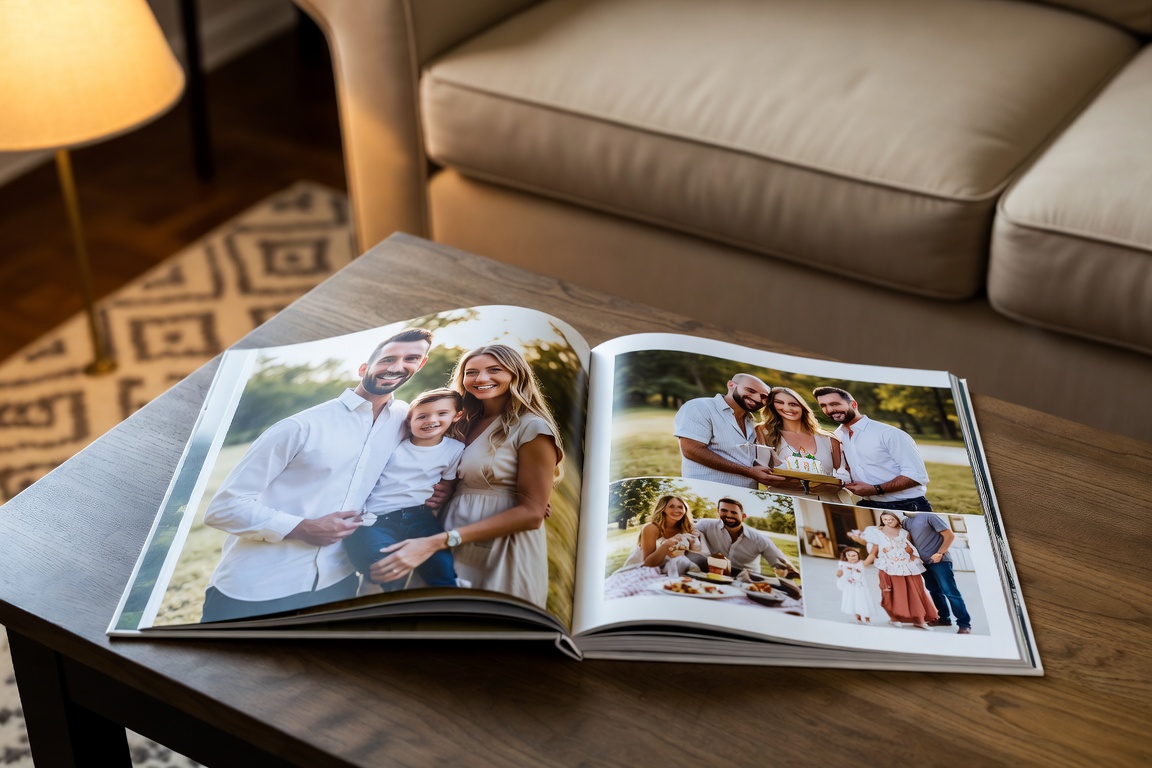
Your First Photo Book: A Screen-by-Screen Walkthrough
$27 one payment
- Short step-by-step lessons, every important click shown
- Ask me a question when you get stuck
- Lifetime access
- Thirty days to change your mind
I’m Ready to Make My Book — $27
The physical book is ordered separately, through Mixbook.